Registration is free and does not start a payment or subscription. Purchasing is not open yet.
Filter themes
Sector
Catalog
Style
store-name.esnafonline.shop
Theme design shown with sample photos and content.
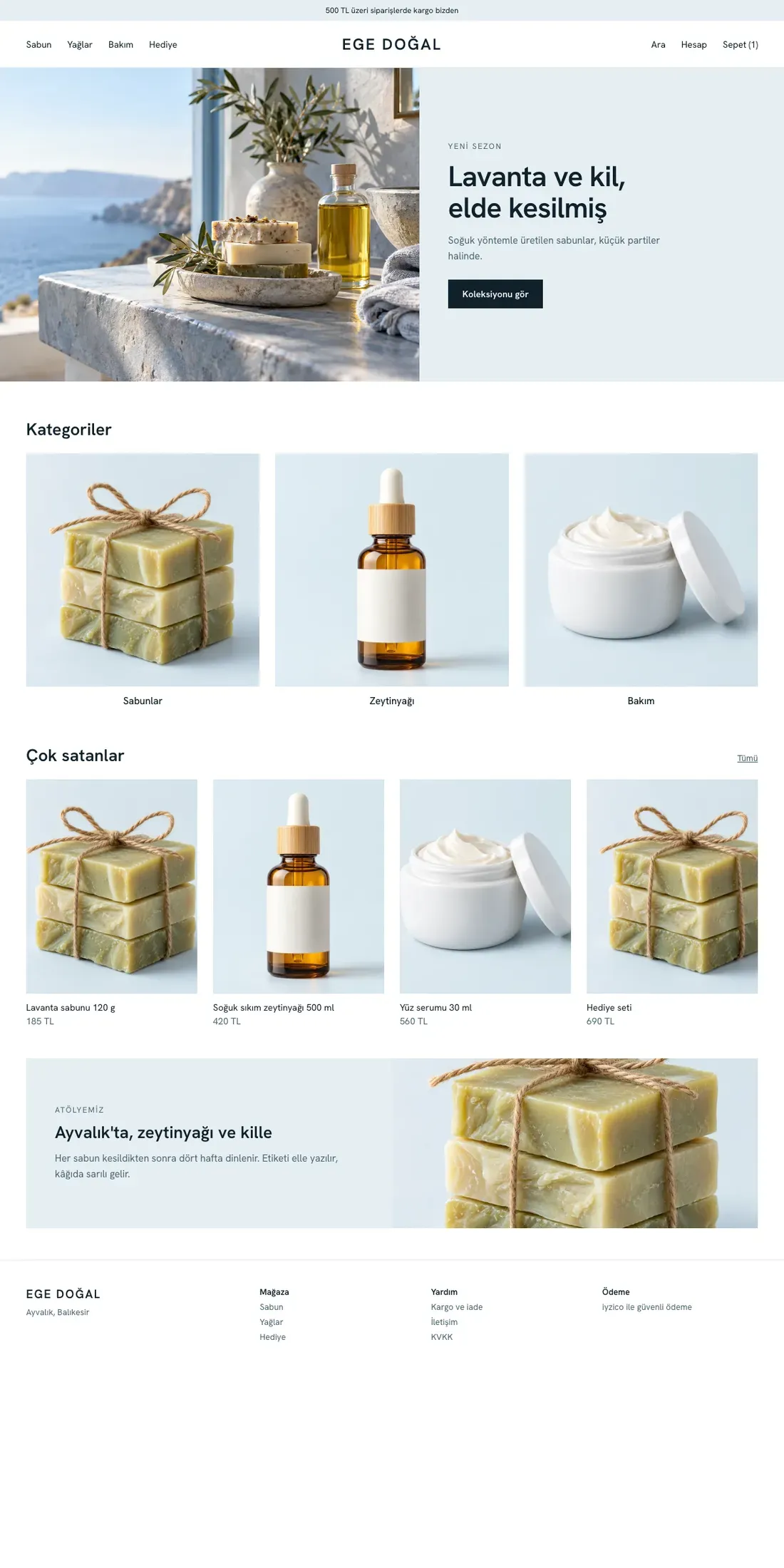
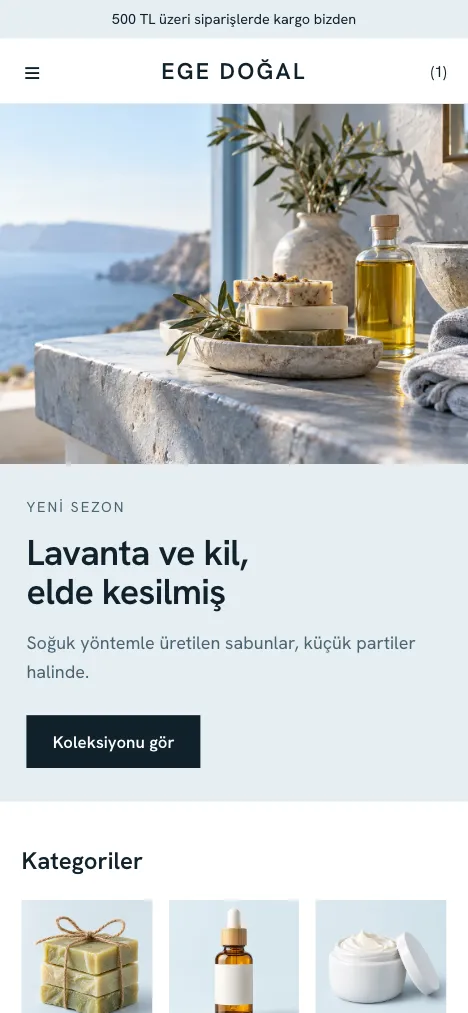
Mavi Rota
Best for: Natural cosmetics, care
An airy storefront where your products stand out through large images and generous spacing.
AirySmall catalog
Layout and color details
Split hero: text and image side by side
Three-card discovery strip
Product shelf with generous spacing
Store story section
Accent#1d6f8f
Surface#eef4f4
Background#ffffff
Text#1f2a2e
Secondary text#56666b
Border#d5e0e1
store-name.esnafonline.shop
Theme design shown with sample photos and content.
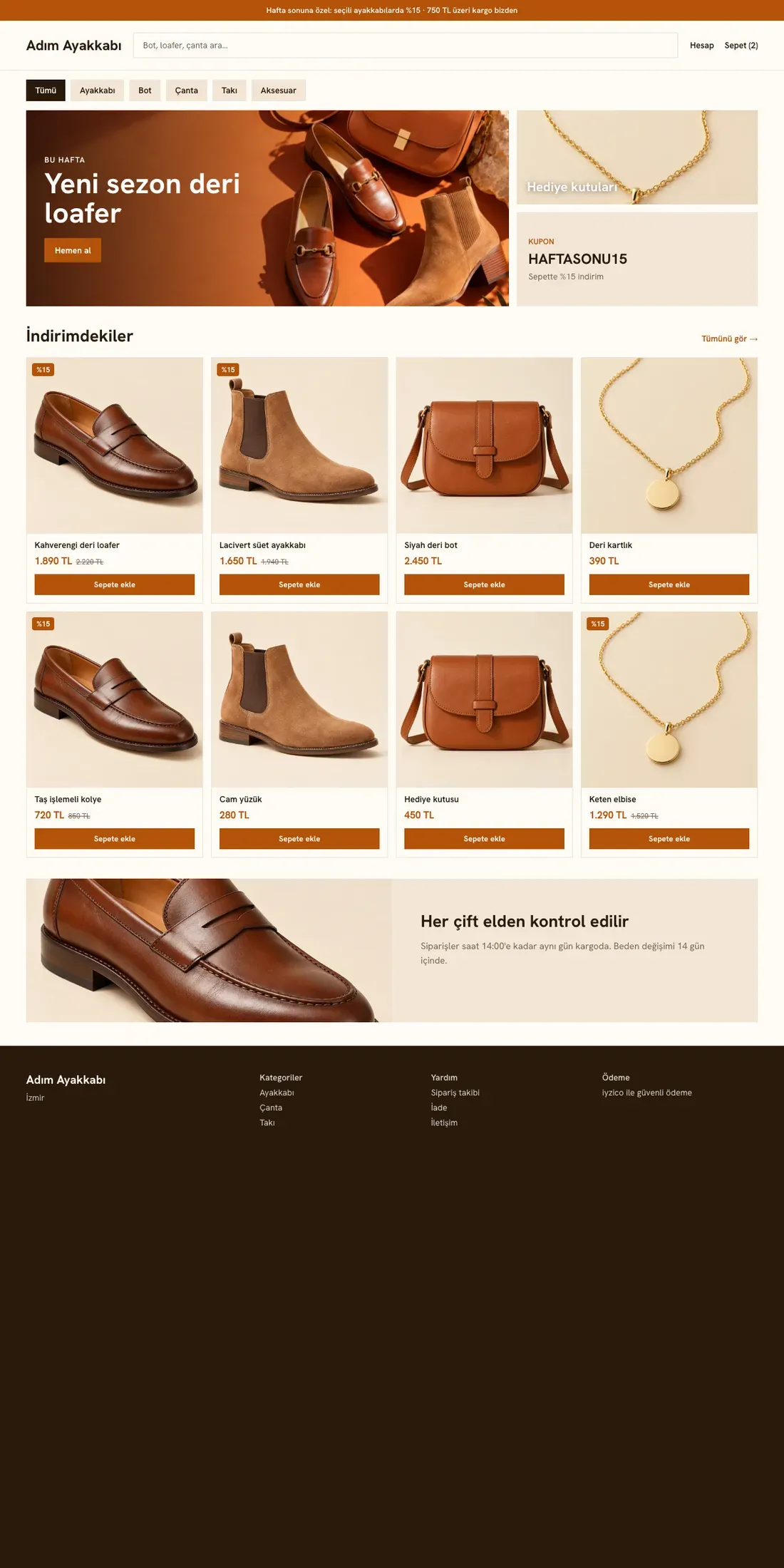
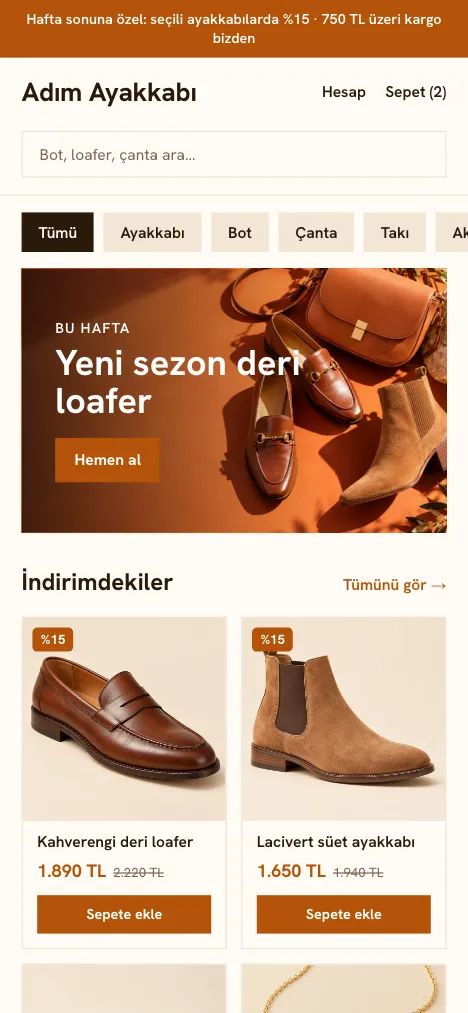
Pazar Yeri
Best for: Shoes, jewelry and accessories
A campaign banner, search and a dense product grid. For large catalogs and stores that run frequent campaigns.
PromotionalLarge catalog
Layout and color details
Campaign banner and search box
Numbered shortcut cards
Scrollable category chips
Dense grid of twelve products
Accent#b23c12
Surface#fbeddd
Background#fffaf3
Text#2b1d14
Secondary text#6b5343
Border#ecd9c6
store-name.esnafonline.shop
Theme design shown with sample photos and content.
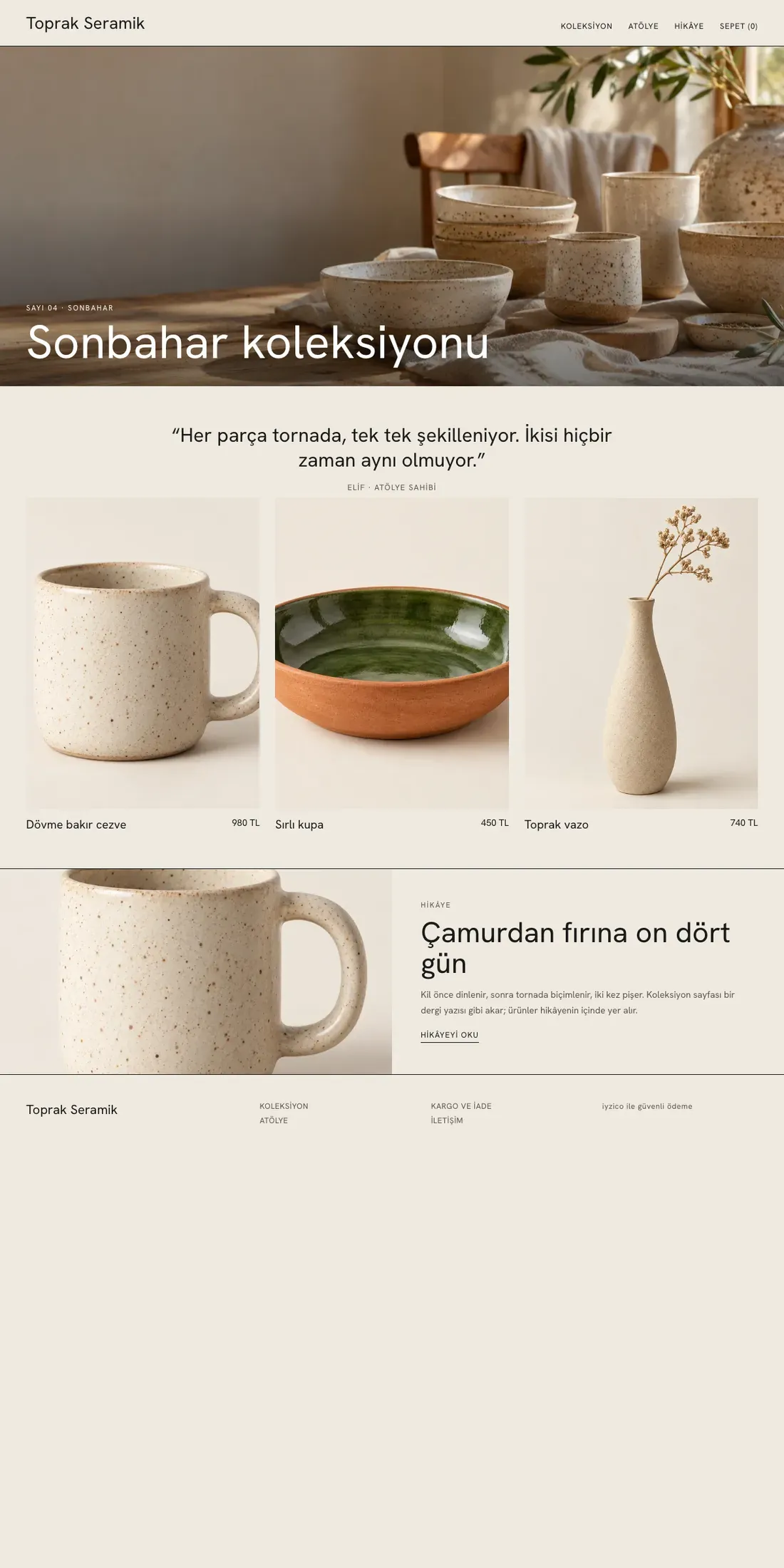
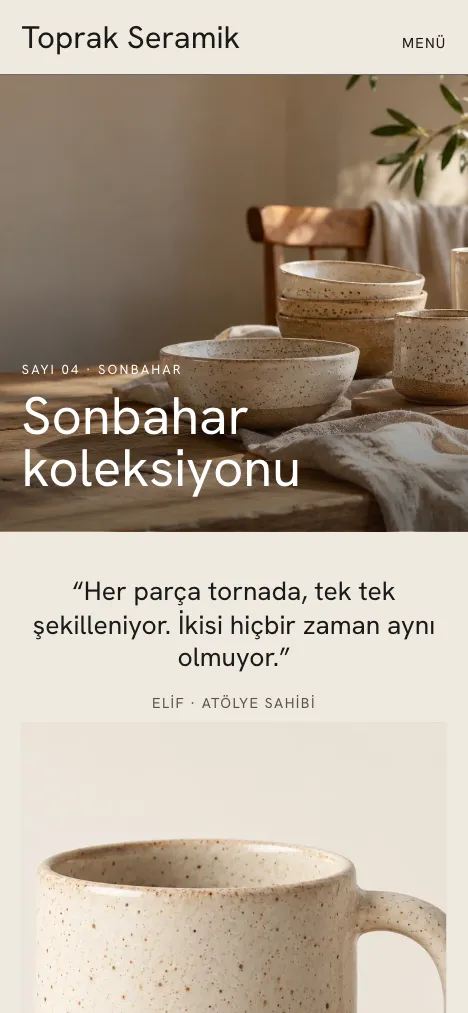
Atölye
Best for: Handmade, ceramics
Clean lines, a wide cover and a collection page that flows like a magazine.
EditorialSmall catalog
Layout and color details
Wide cover and serif heading
Three-column collection shelf
Five-tile style journal
Collections in list form
Accent#2f4a3a
Surface#efece6
Background#fbfaf8
Text#161616
Secondary text#5b5750
Border#dcd6cc
store-name.esnafonline.shop
Theme design shown with sample photos and content.
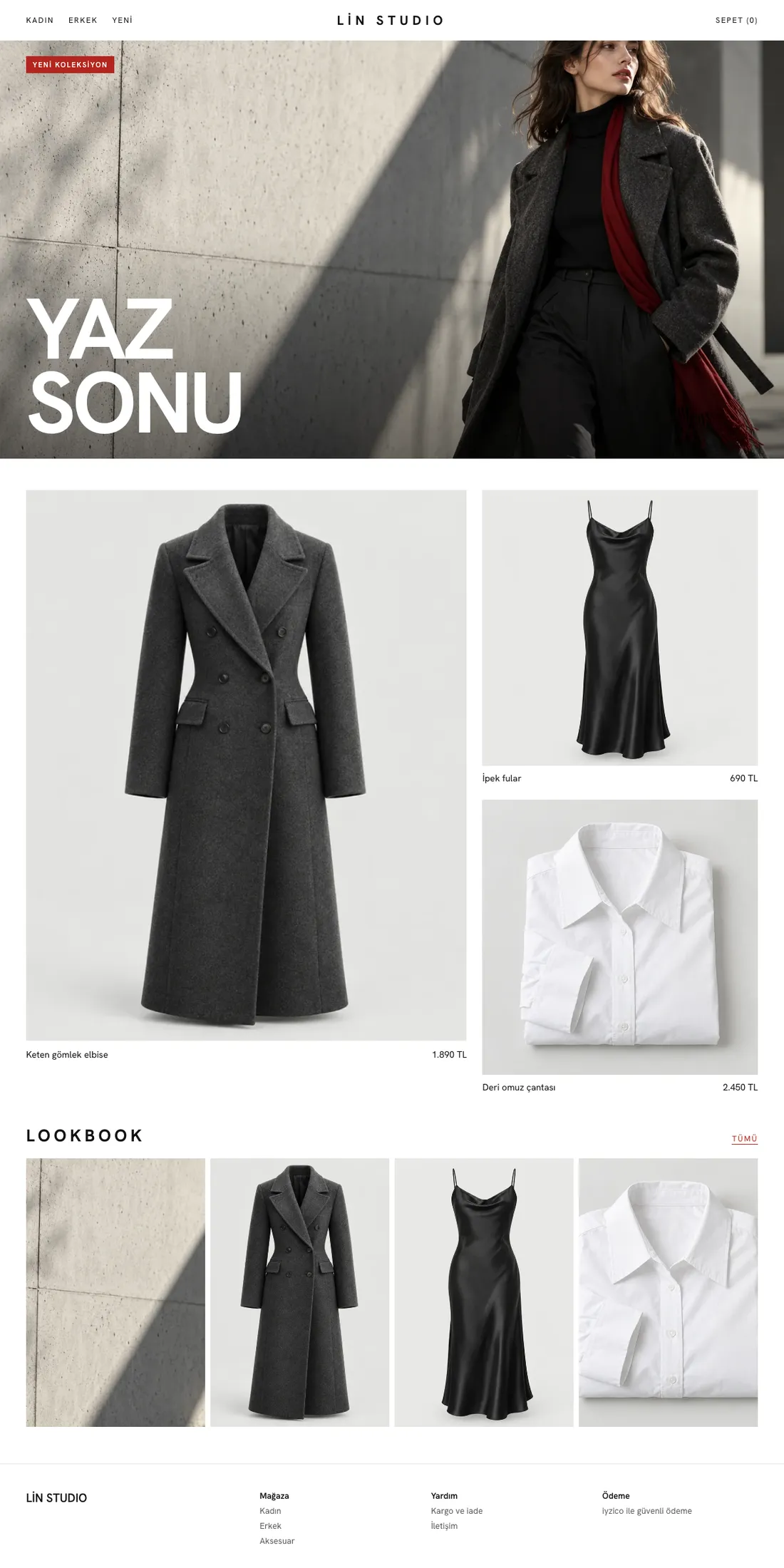
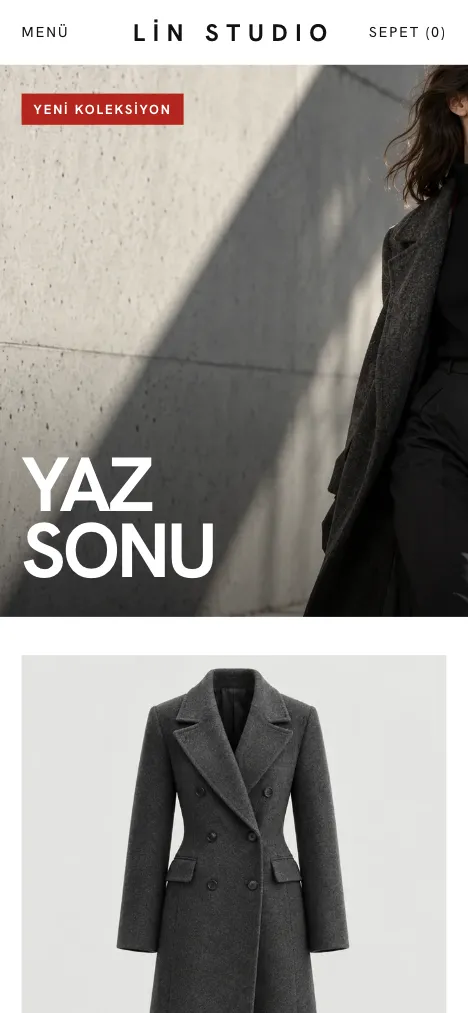
Vitrin
Best for: Fashion, boutique clothing
A full-screen editorial cover, giant uppercase headings and an asymmetric product layout. For fashion stores that tell a story each season.
EditorialSmall catalog
Layout and color details
Full-screen cover, giant uppercase heading
Asymmetric layout: one large product, two small
Vertical image strip: lookbook
Sharp corners, a single red accent
Accent#b3261e
Surface#e9e9e7
Background#f7f7f5
Text#121212
Secondary text#55554f
Border#cfcfca
store-name.esnafonline.shop
Theme design shown with sample photos and content.
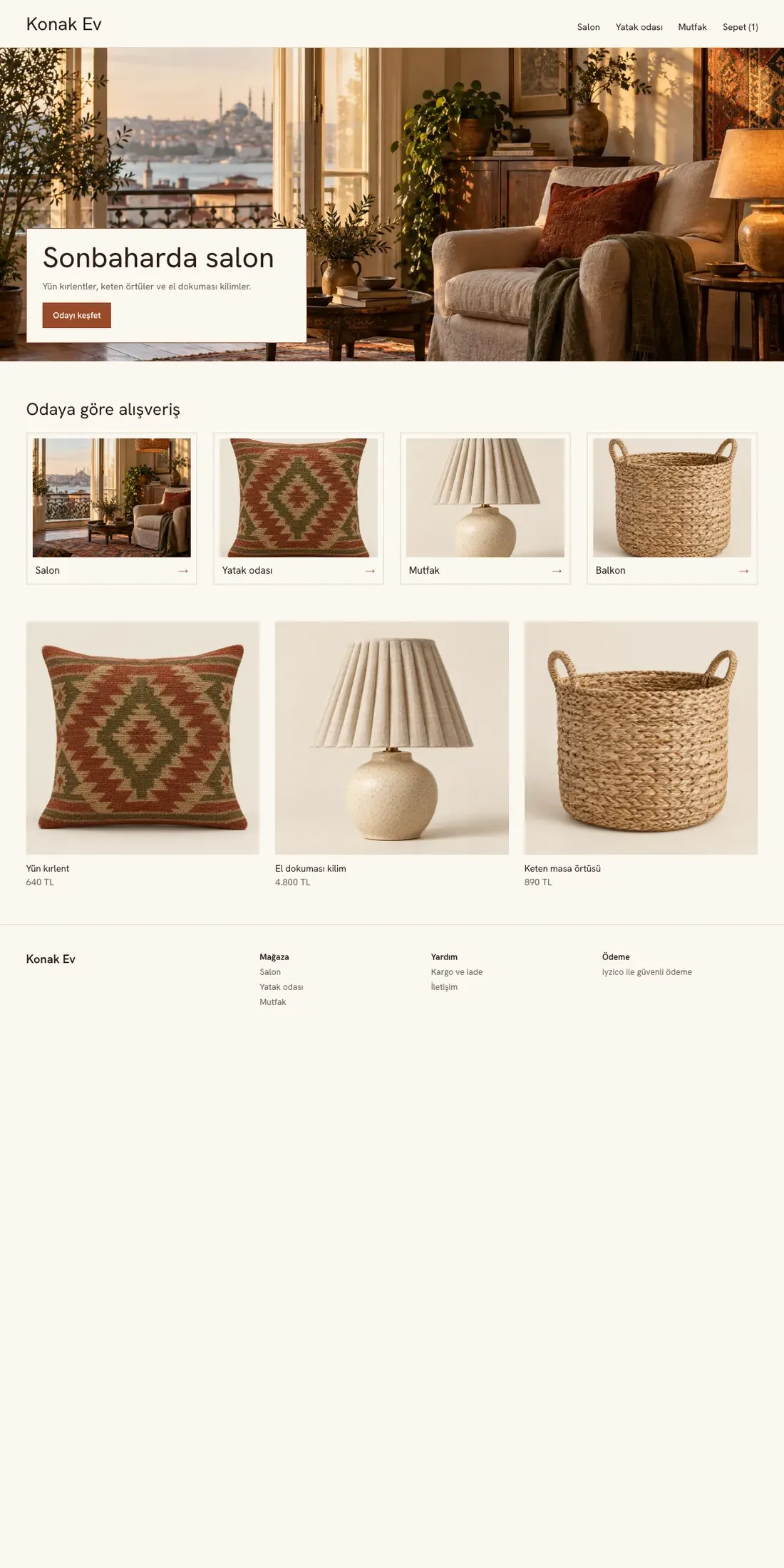
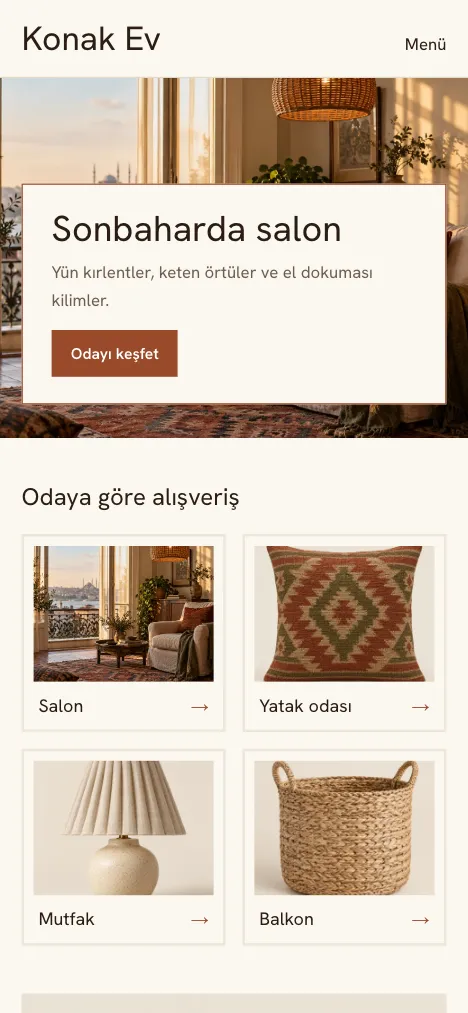
Konak
Best for: Home and decor
A warm storefront that opens with a room scene. Products are grouped by room.
AiryLarge catalog
Layout and color details
Room scene cover and a suggestion card
Shop-by-room cards
Products with soft corners and thin colored frames
A warm, wide product page
Accent#9a4a2b
Surface#ede5d8
Background#f8f3ea
Text#2d2520
Secondary text#675a4f
Border#d8ccb9
store-name.esnafonline.shop
Theme design shown with sample photos and content.
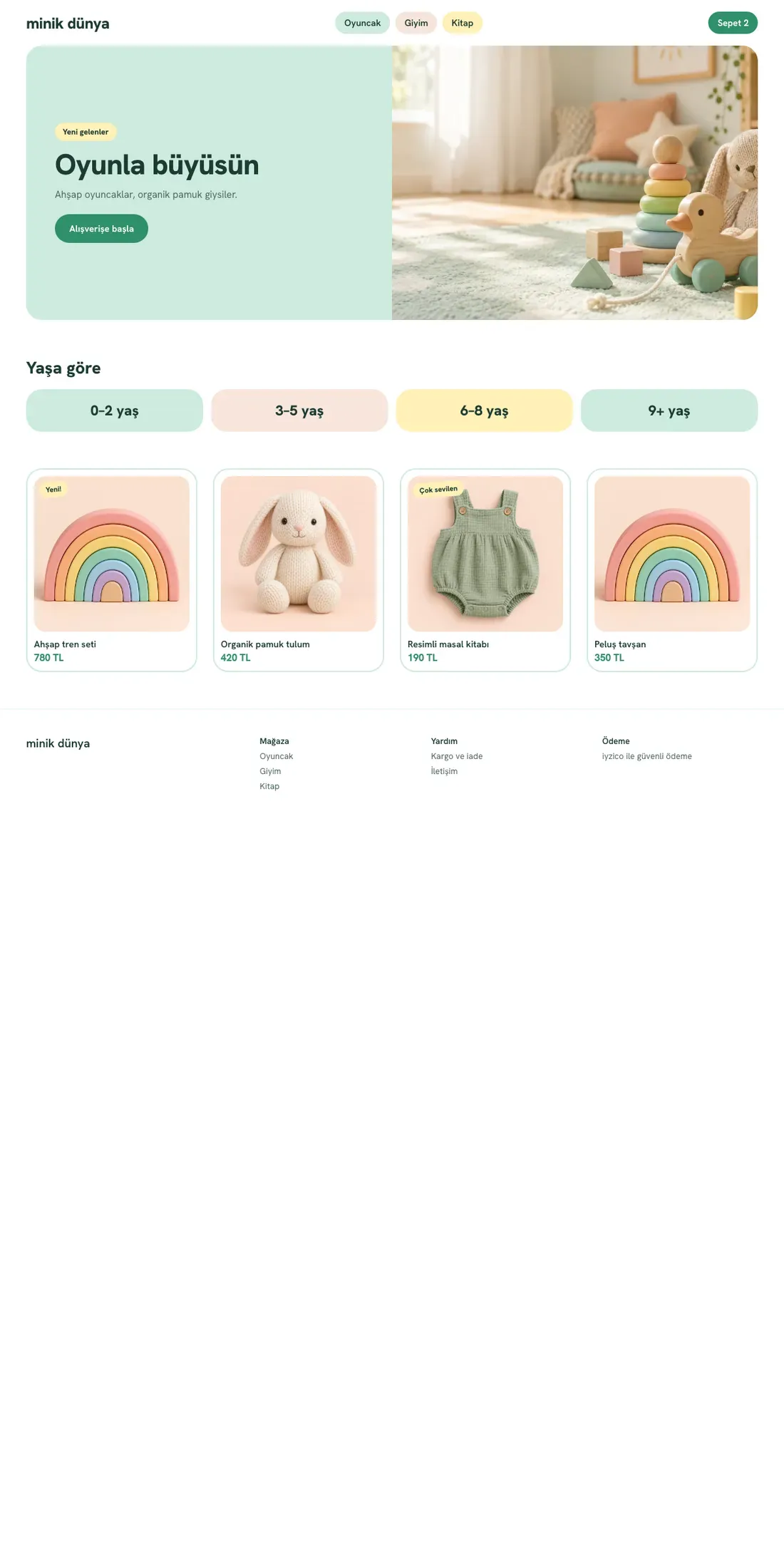
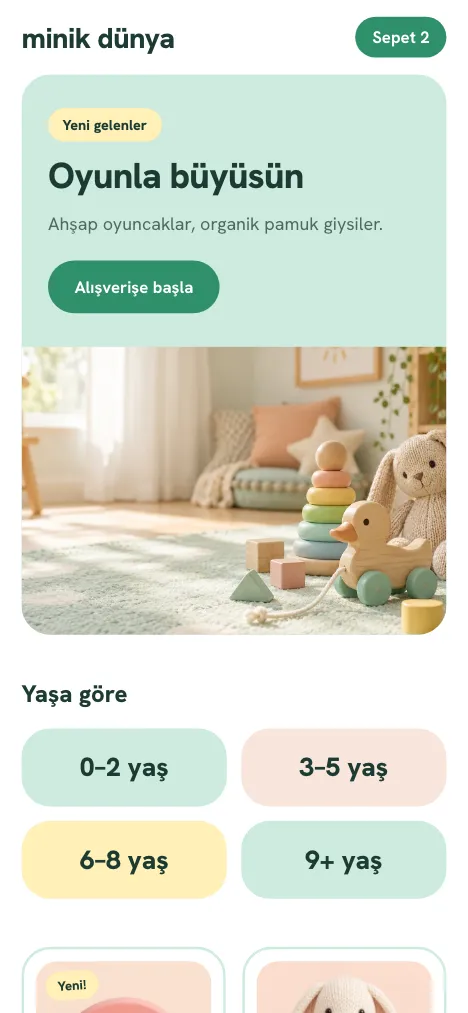
Minik
Best for: Kids and toys
Large corners, pastel colors and category chips. A cheerful storefront for stores that sell children's products.
PromotionalLarge catalog
Layout and color details
Intro card with large corners
Category chips
Product cards with rounded corners
Cart summary on a pastel surface
Accent#1f7a58
Surface#e6f5ee
Background#fffdf7
Text#213029
Secondary text#50625a
Border#cde3d8
store-name.esnafonline.shop
Theme design shown with sample photos and content.
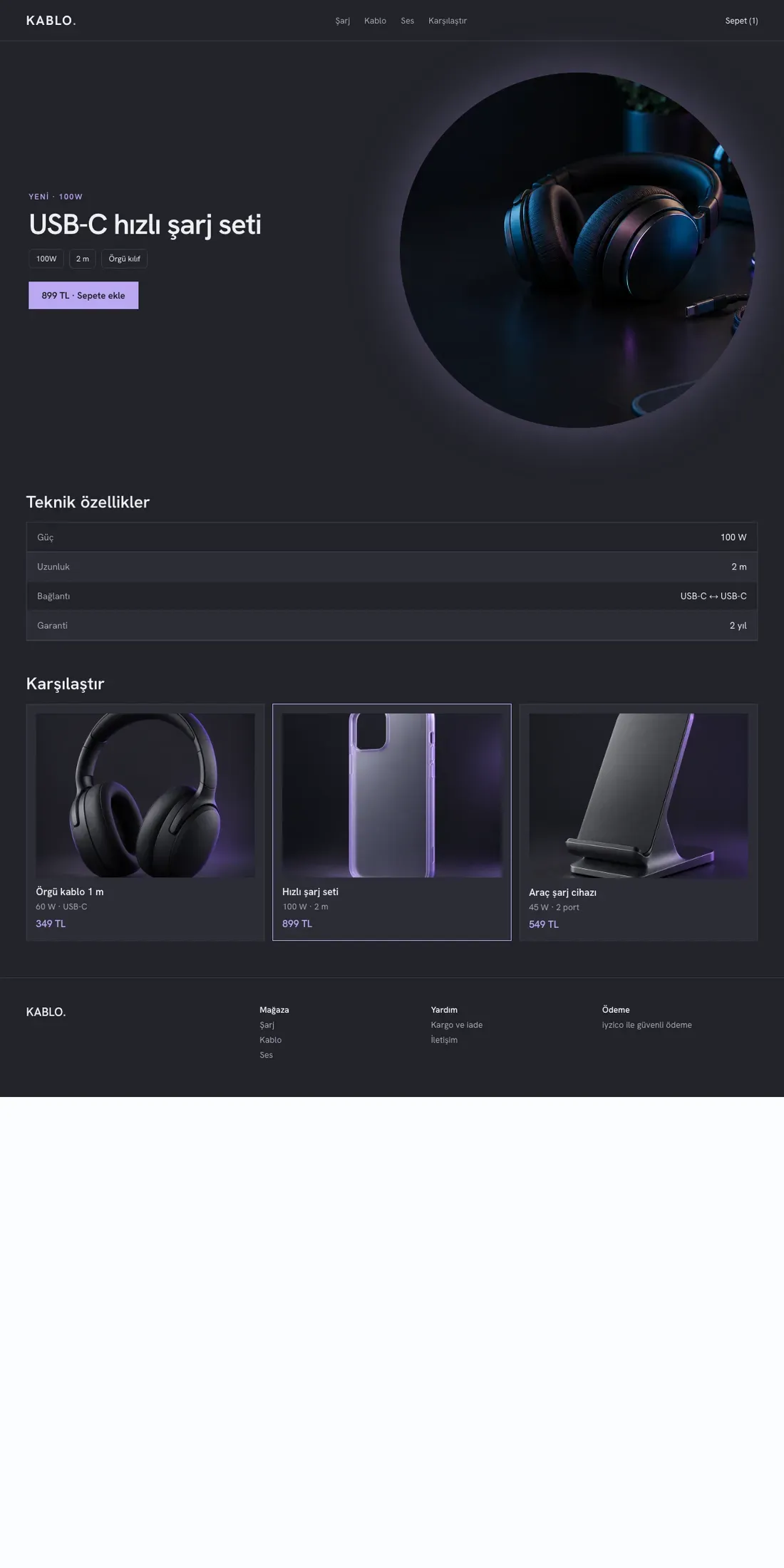
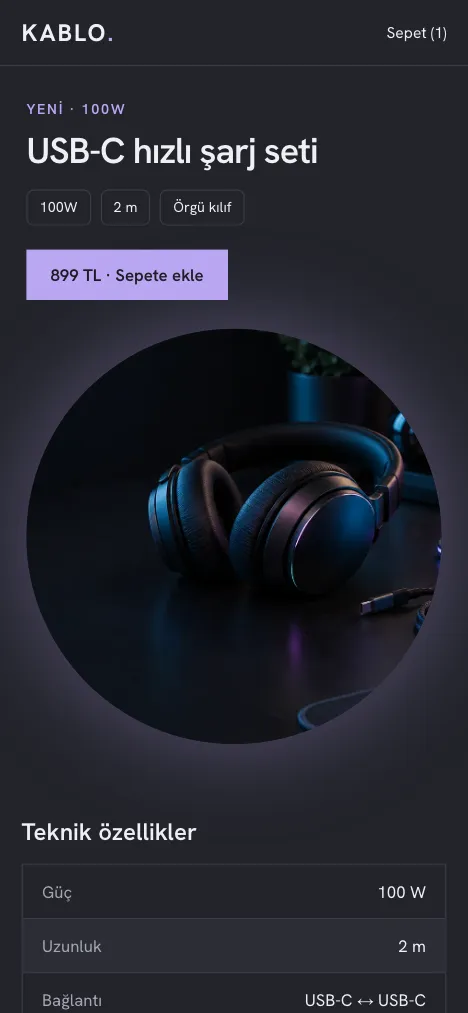
Kablo
Best for: Tech accessories
A dark background, technical spec rows and a comparison strip. For stores that explain a product with numbers.
PromotionalLarge catalog
Layout and color details
Dark cover with a glowing product
Four-column dark product cards
Product page styled as a spec table
Comparison steps strip
Accent#baa7f3
Surface#22232a
Background#15161b
Text#f2f2f6
Secondary text#a8a8b6
Border#3a3b46
store-name.esnafonline.shop
Theme design shown with sample photos and content.
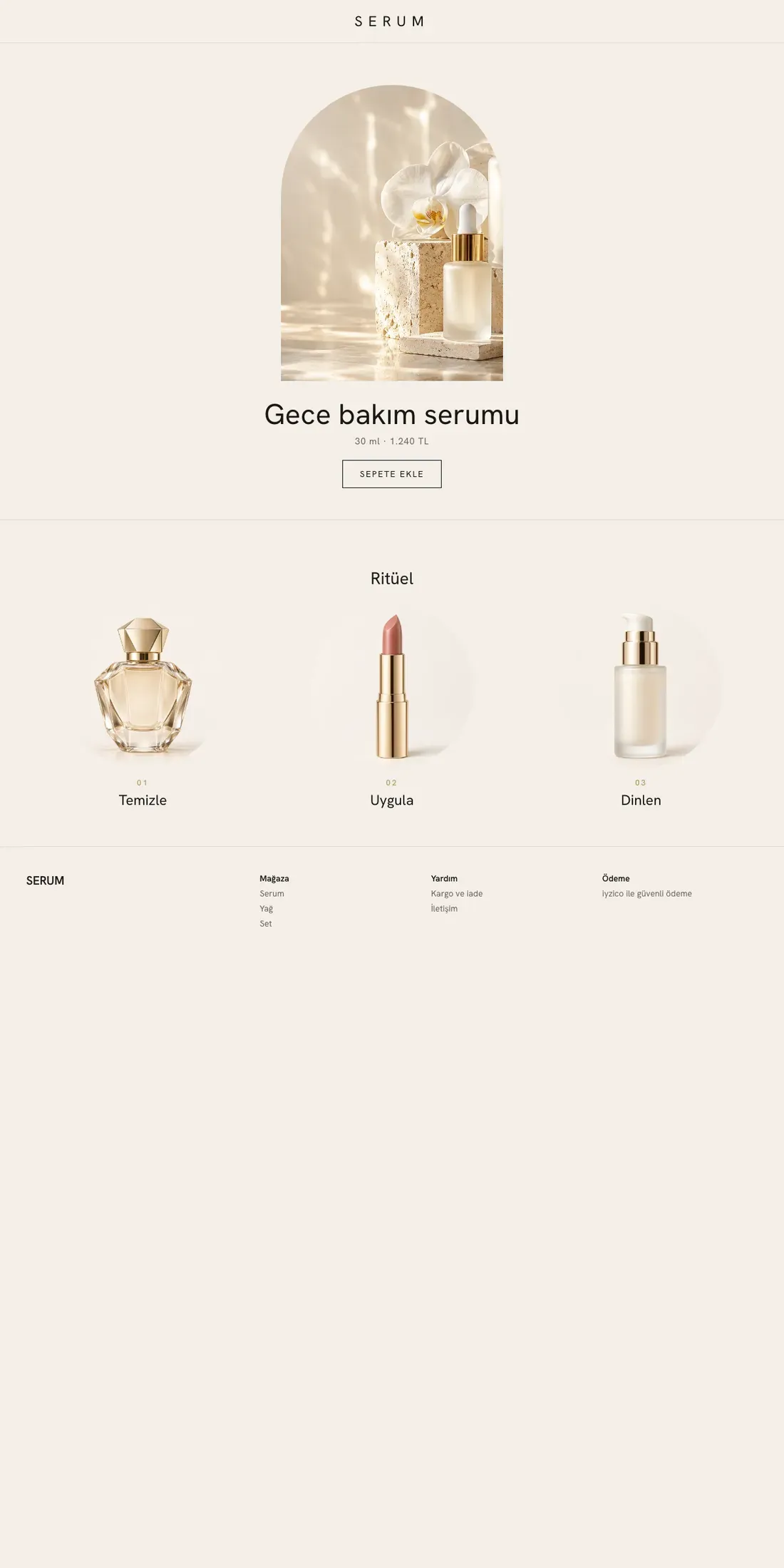
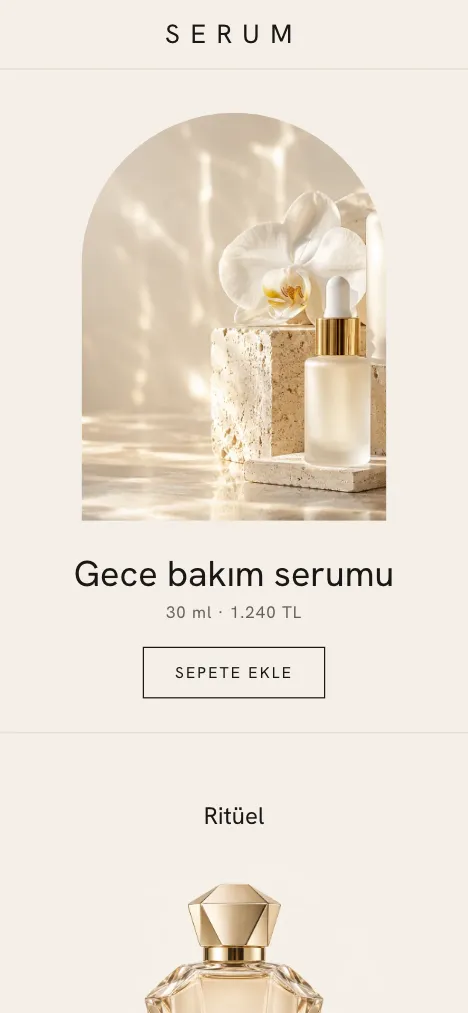
Serum
Best for: Luxury cosmetics
Very simple: a single image in an arched frame in the center, thin type and ritual steps below.
EditorialSmall catalog
Layout and color details
Centered intro, single image in an arched frame
Ritual steps
Three-column product shelf with generous spacing
Thin headings, wide letter-spaced labels
Accent#1a1714
Surface#ebe4d9
Background#f4efe8
Text#1a1714
Secondary text#60584e
Border#d9d0c3
store-name.esnafonline.shop
Theme design shown with sample photos and content.
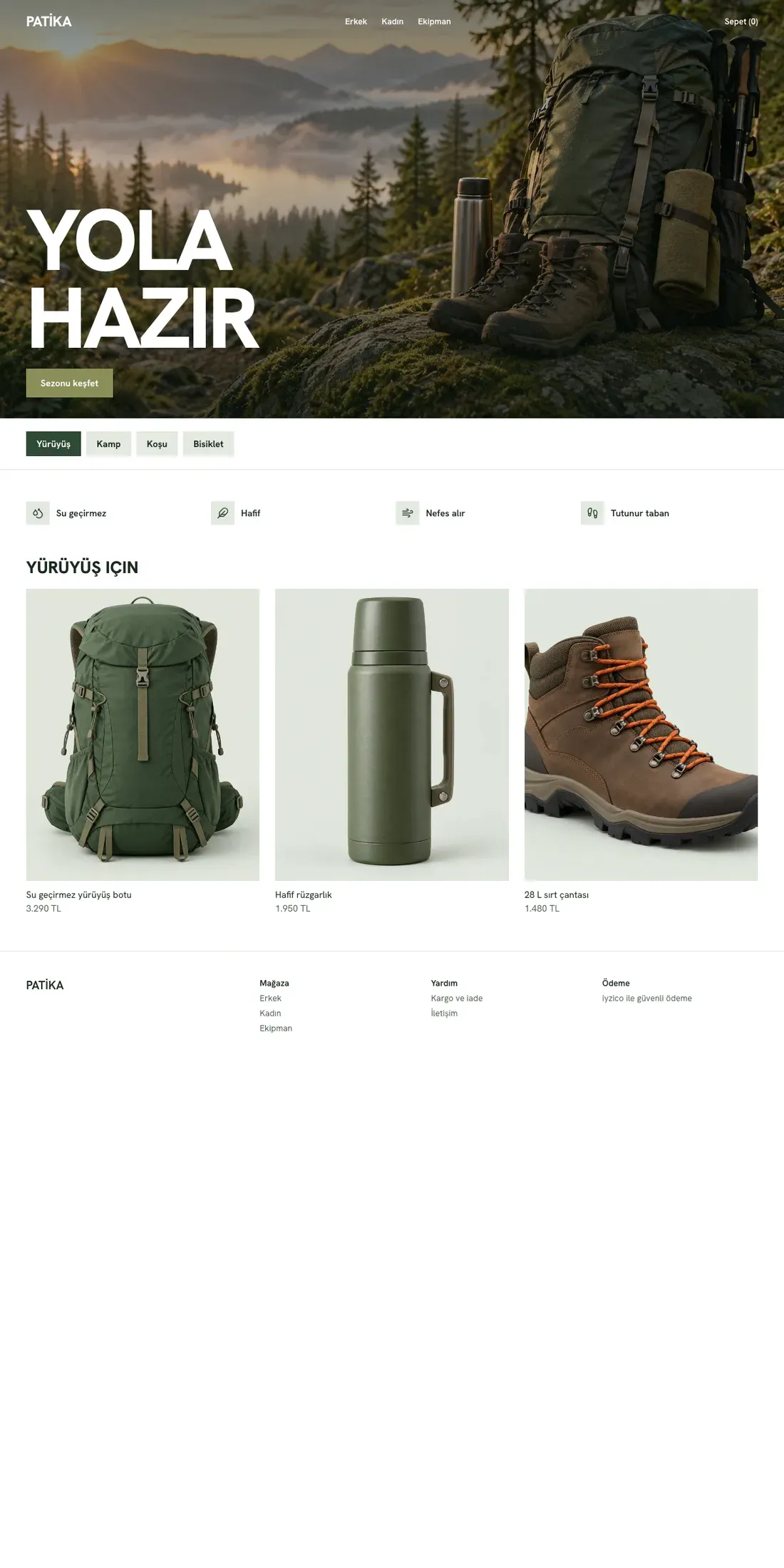
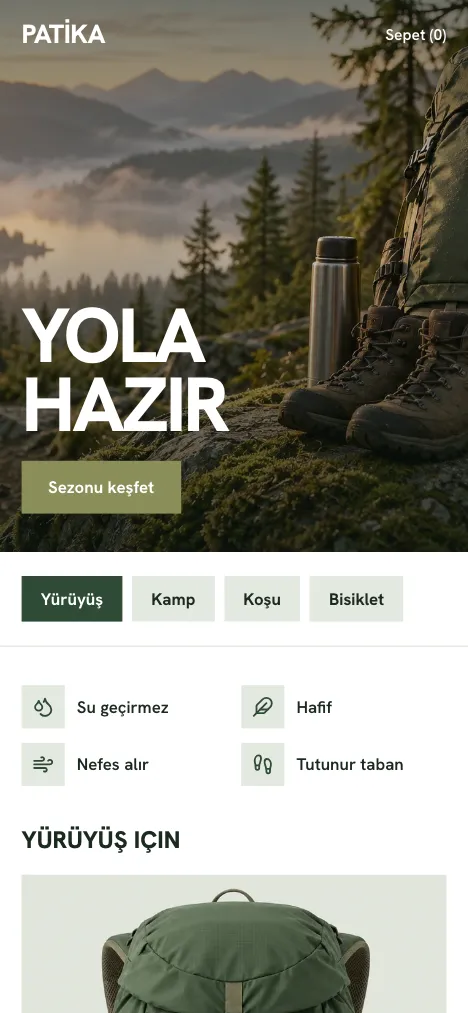
Patika
Best for: Outdoor and sports
A bold heading over an action cover, tabs by activity and features with icons.
PromotionalLarge catalog
Layout and color details
Action cover, bold uppercase heading
Tabs by activity
Sturdy four-column product cards
Feature strip with icons
Accent#2f4a36
Surface#e4e9e1
Background#f6f8f3
Text#17211a
Secondary text#515e55
Border#c9d2c6
Compare themes
Add two or three themes from the cards to compare them.
Theme design shown with sample photos and content: the desktop and mobile home page, prepared with a sample store name, sample photos and sample products; it does not show a real store, product or price. Hover over a card and the page slowly slides down. Sector labels are suggestions; no theme is locked to a sector.
STEP BY STEP
How to choose your theme
01
Think about your sector and catalog
Filter themes by your sector, number of products and storytelling style. Labels are suggestions; you can use any theme you like.
02
Compare two or three themes
See page layouts, color palettes and catalog size side by side.
03
Choose, preview, publish
After setup, choose your theme in store management and edit the page blocks with your own products and text. When you are ready, publish and confirm; you can change your theme later.
What every theme includes
Mobile-friendly store
Page layouts that adapt to phone and computer screens.
Block-based pages
Content you edit with saved blocks such as text, images and product lists.
Products, variants and cart
Product details, options and the add-to-cart flow.
In-store search
Search your catalog by product or brand name.
Category pages
Browse your products by category.
Basic SEO settings
Manage page titles and descriptions.
Frequently asked questions
When can I choose my theme?
After registration and setup, you can choose your theme the first time you sign in to store management. The looks on this page are examples; no theme choice is saved here. Purchasing is not open yet.
Can I change my theme later?
Yes. In store management you can create a different theme, edit its page blocks and preview it. Saving a draft does not change your store; changes appear once you publish and confirm them.
Are the previews my store's content?
No. The previews are drawings of each theme's page layout and colors. They contain no products, prices or store content. You prepare your store with your own products, images and text.
Is a theme tied to a specific sector?
No. Sector, catalog size and style labels are suggestions; every theme can be used in any sector.
Choose the look, and we will plan the rest together.