



















Campaign bannerCategory chipsProduct card
Design your store
Adjust the theme, colors and page sections to your store's identity.
Explore the themes
From maker to customer
Present the products you make and sell in your own store, under your own name. Bring local craft and trust to your digital storefront.
Registration is free and does not start a payment or subscription.
Photos are illustrative.
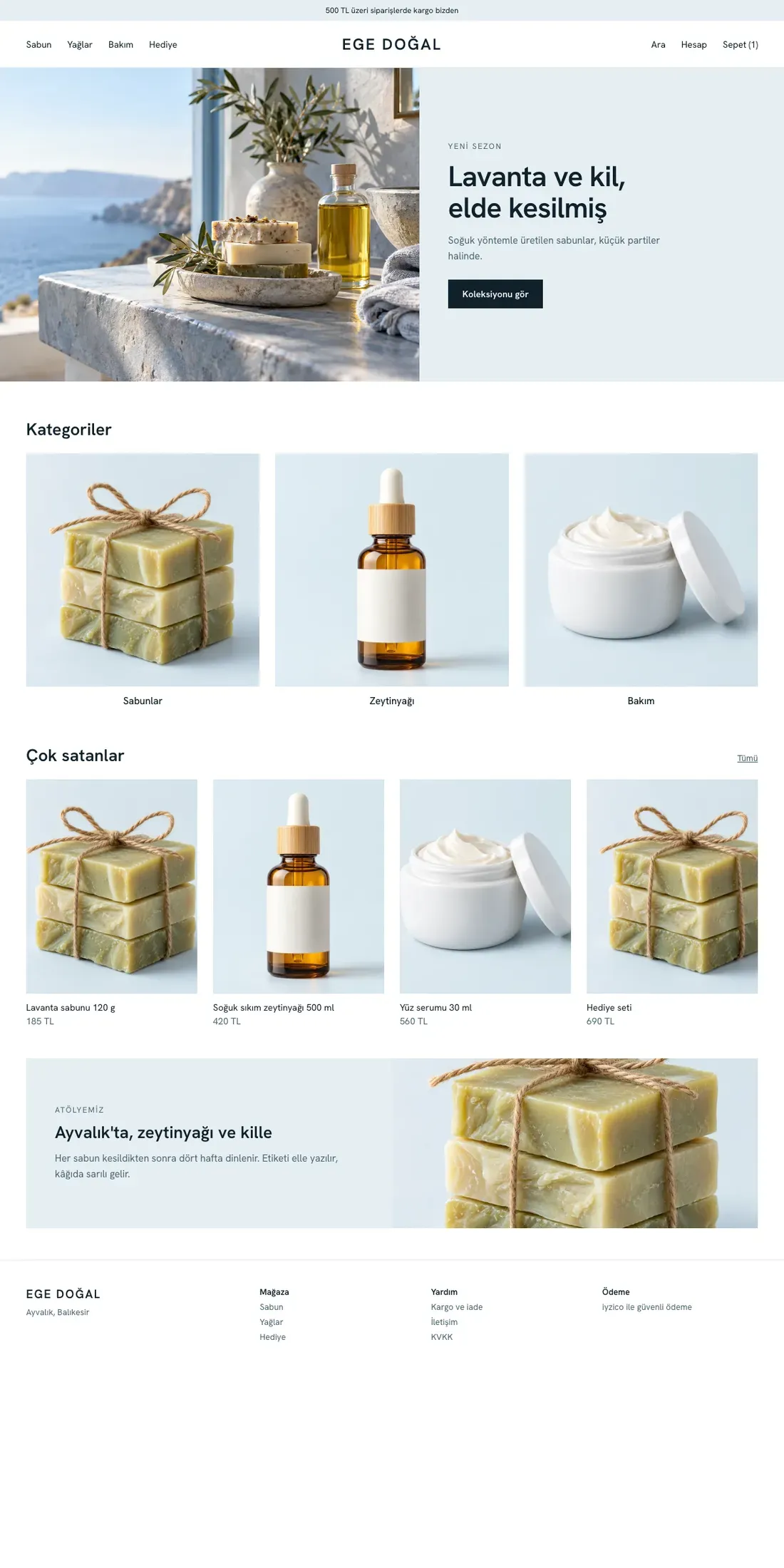
Mavi RotaNatural cosmetics, care
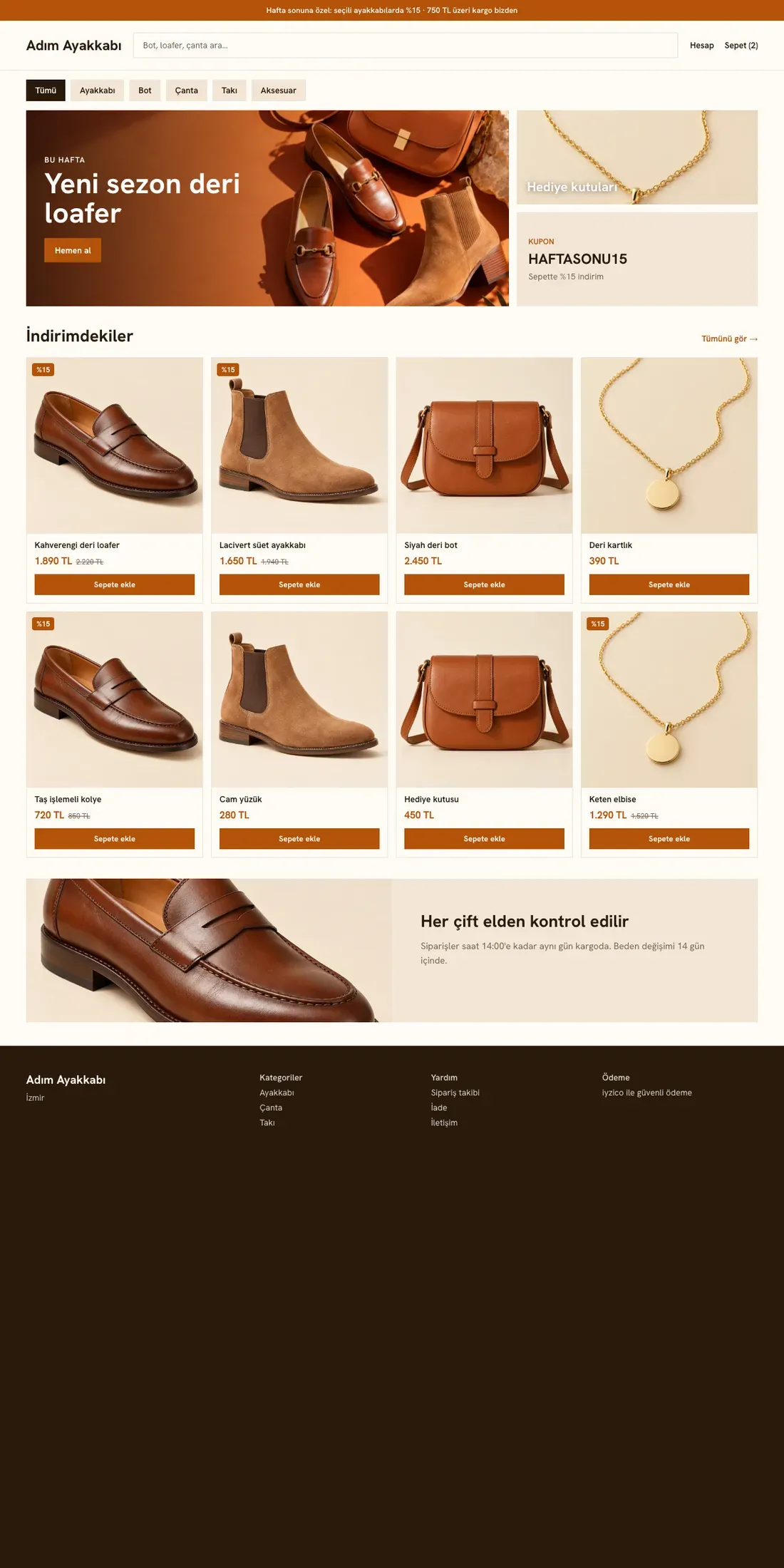
Pazar YeriShoes, jewelry and accessories
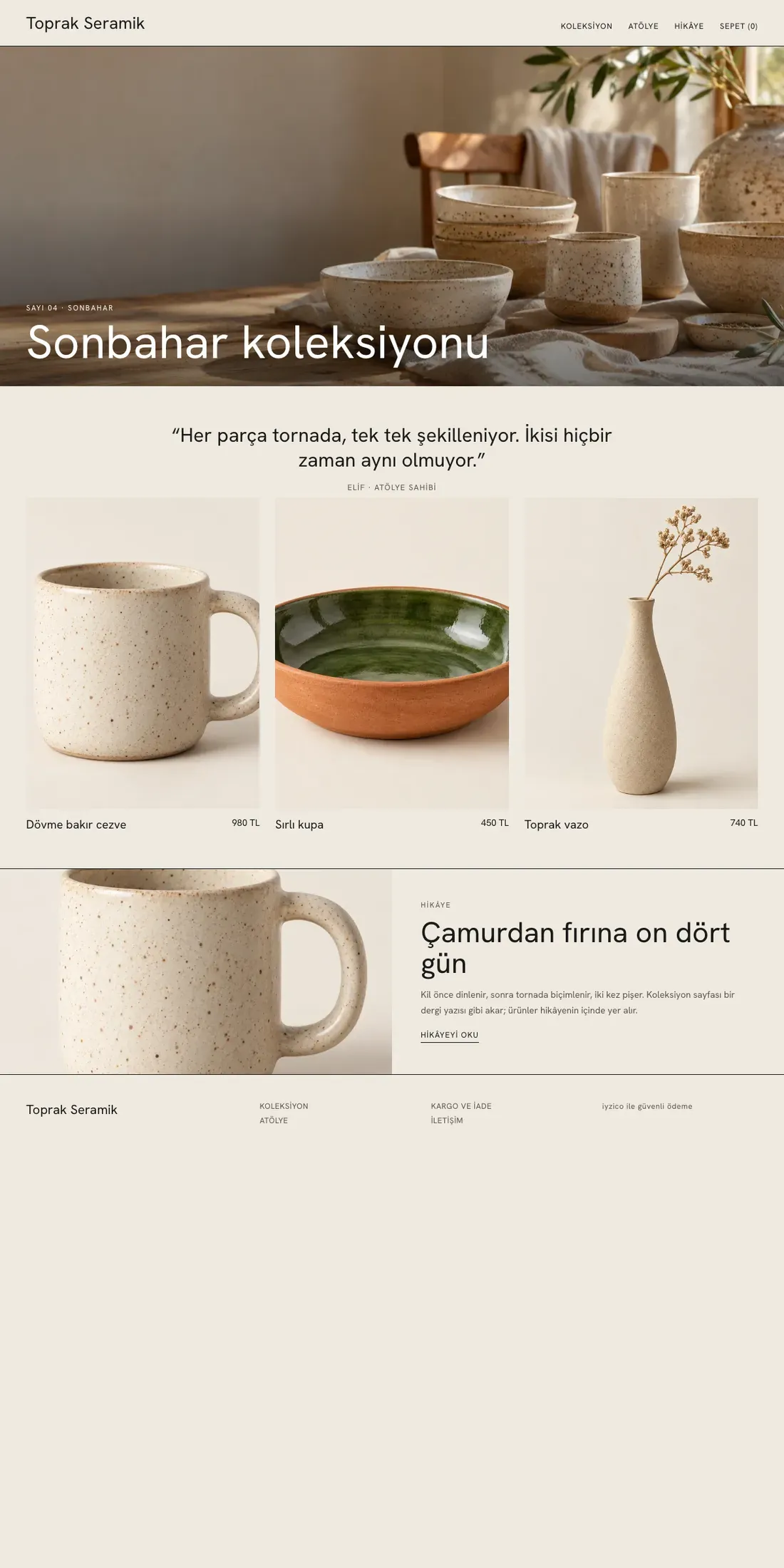
AtölyeHandmade, ceramics
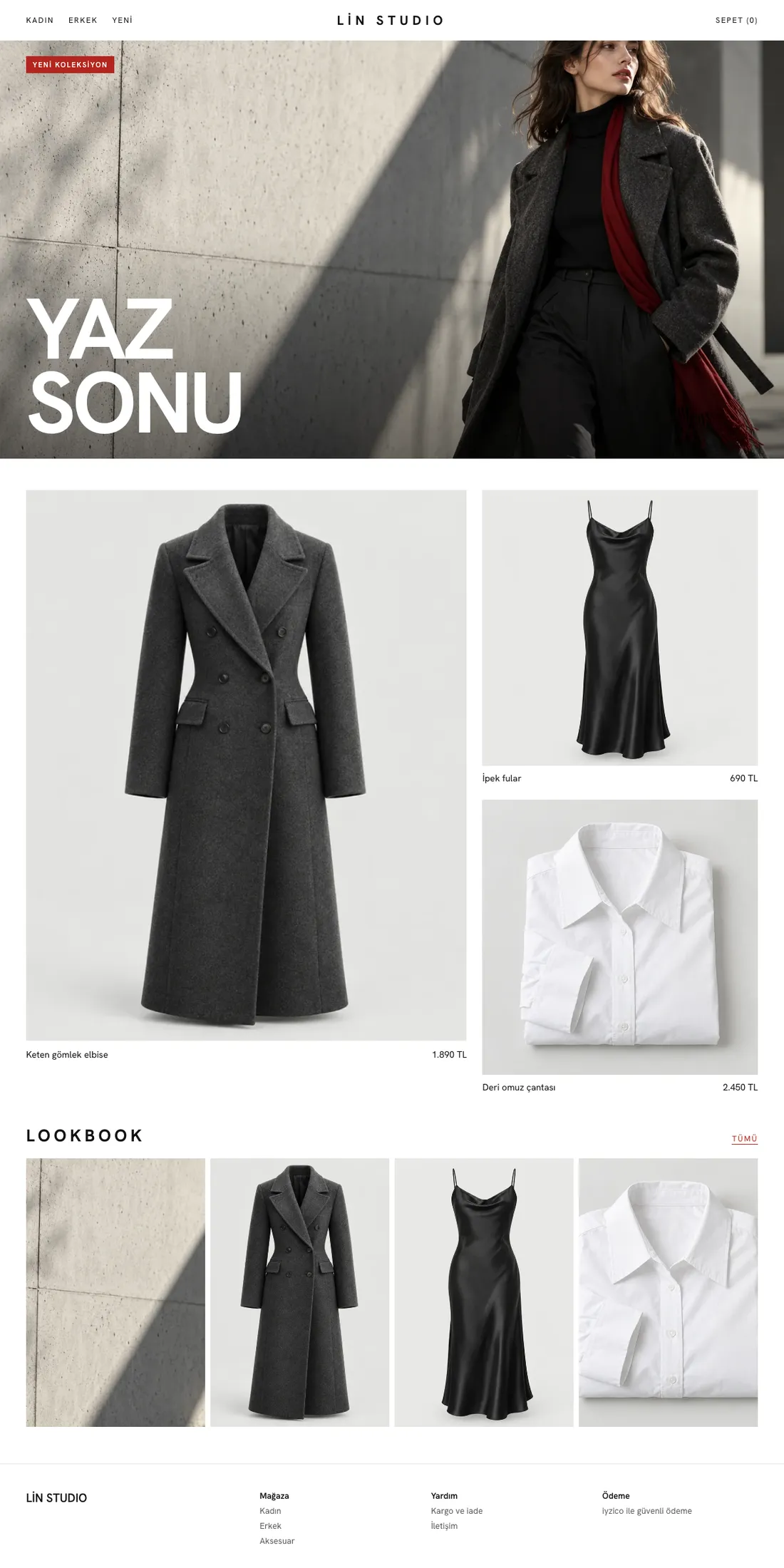
VitrinFashion, boutique clothing
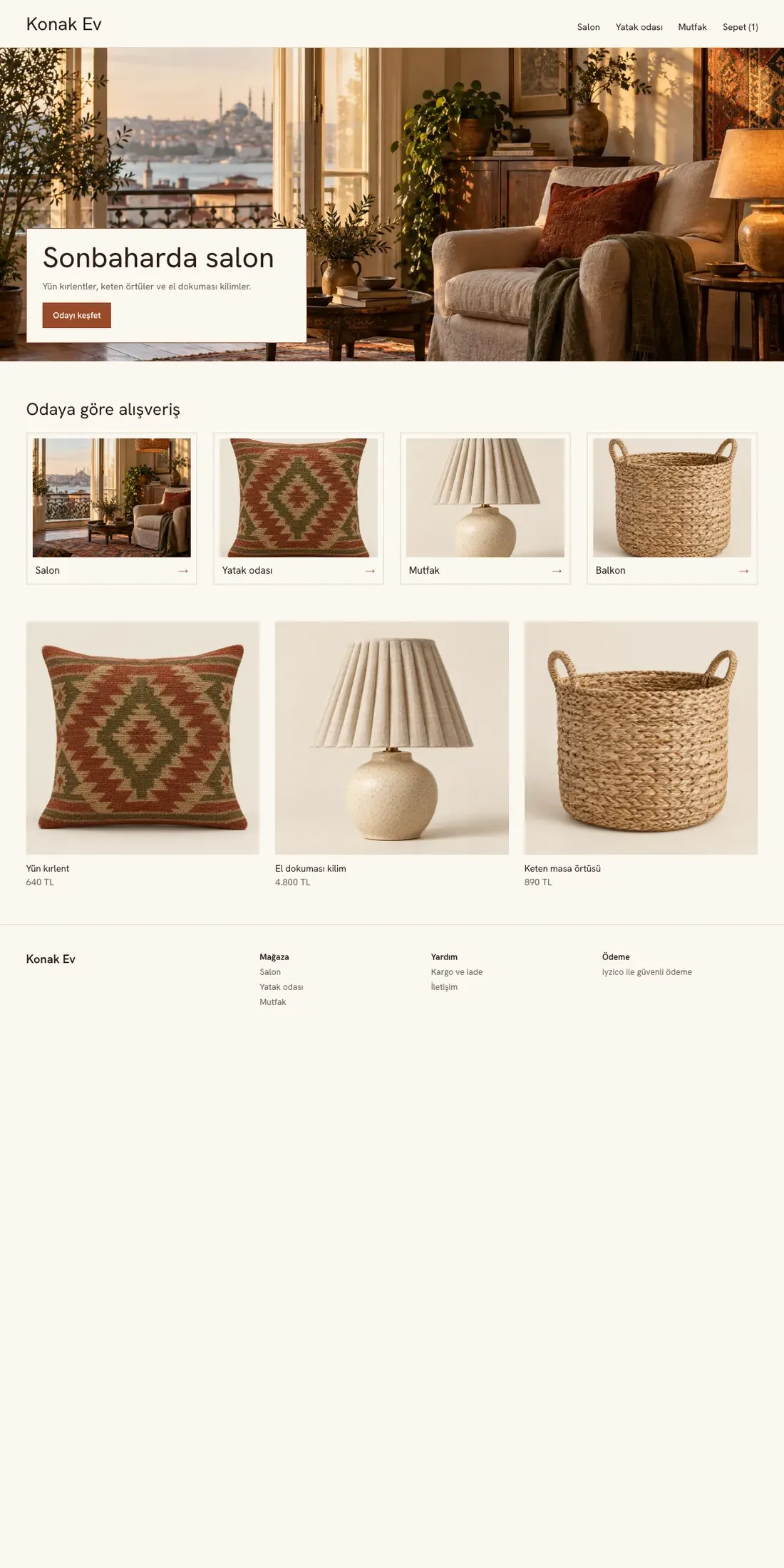
KonakHome and decor
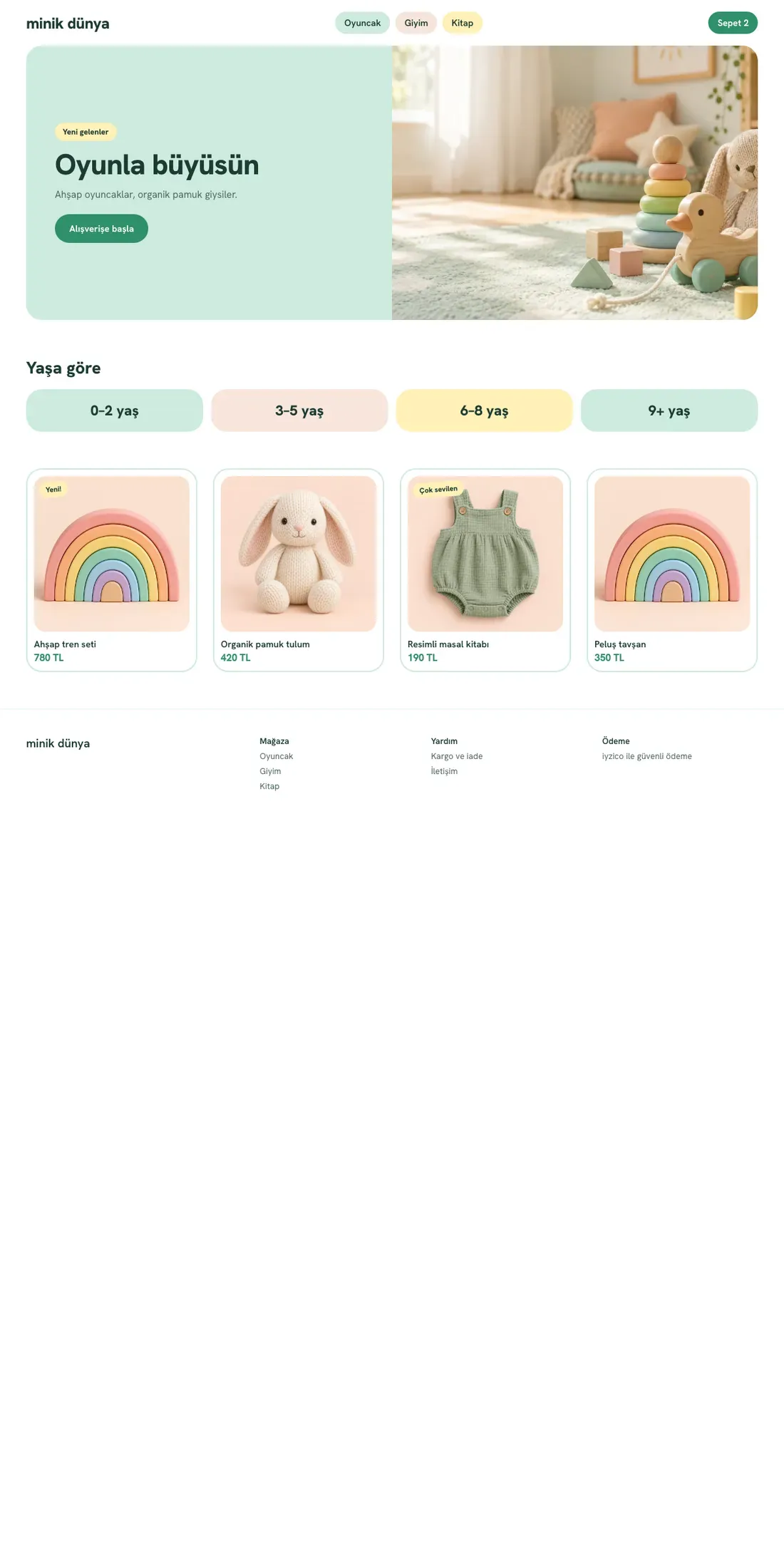
MinikKids and toys
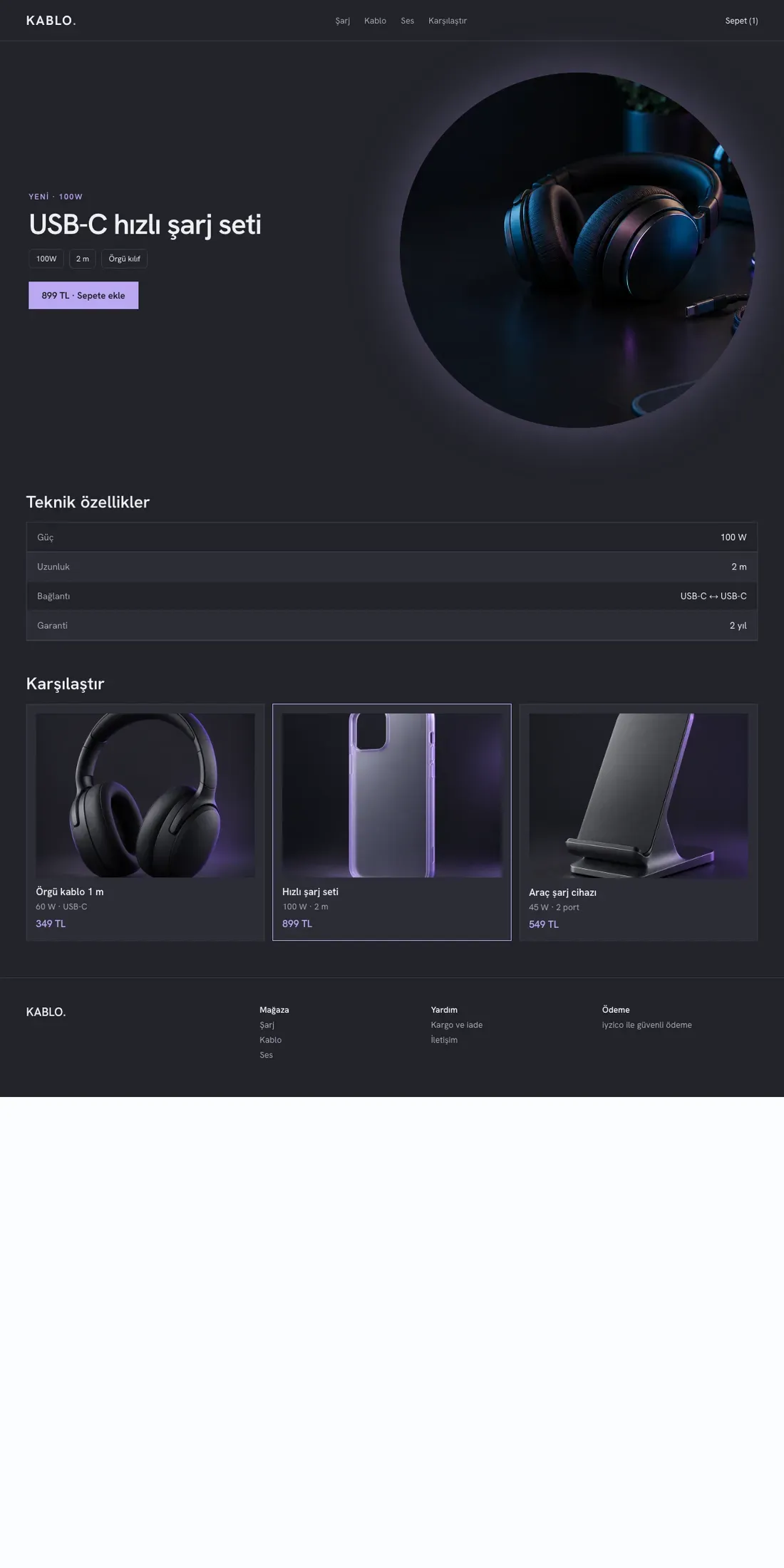
KabloTech accessories
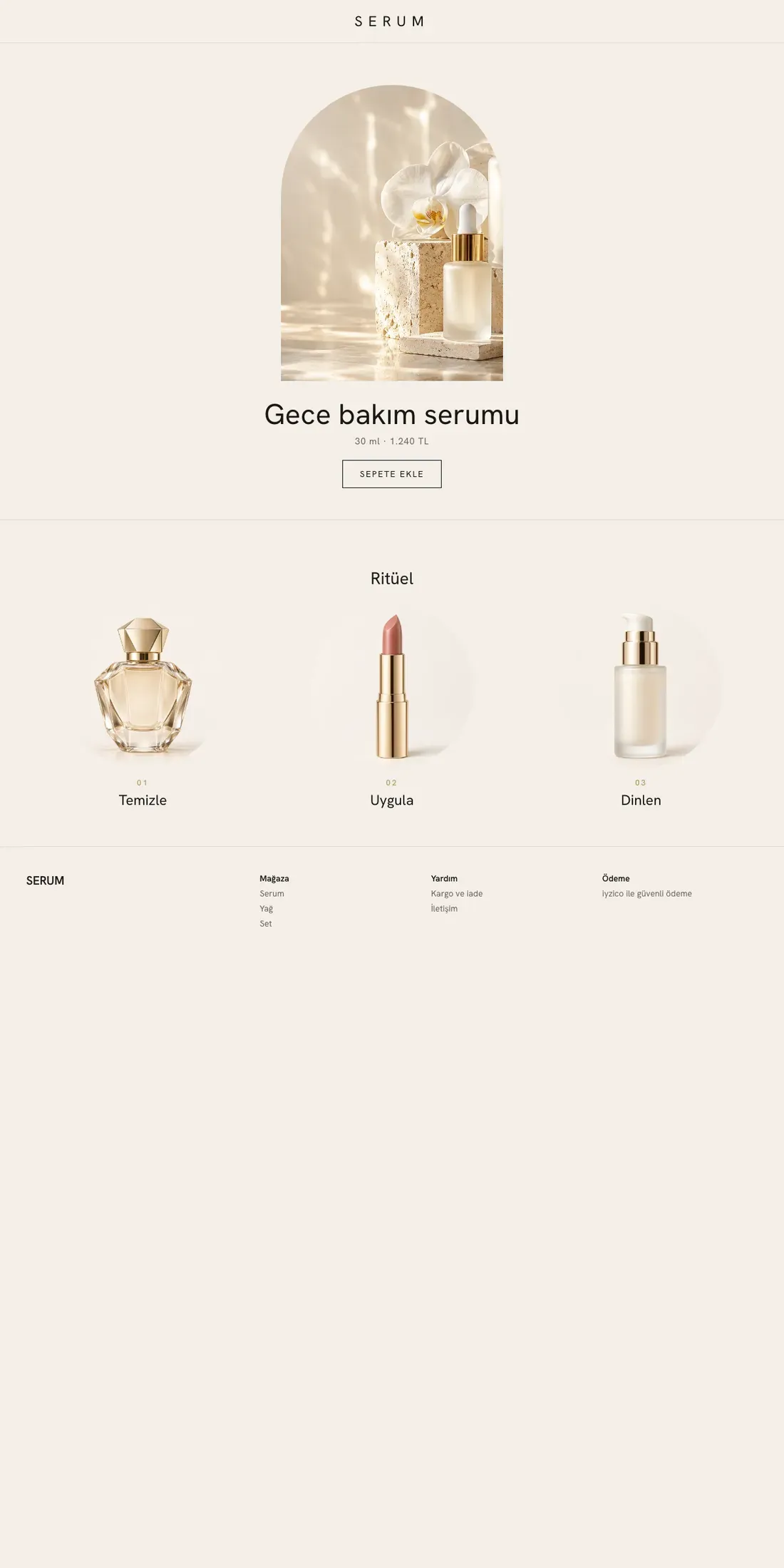
SerumLuxury cosmetics
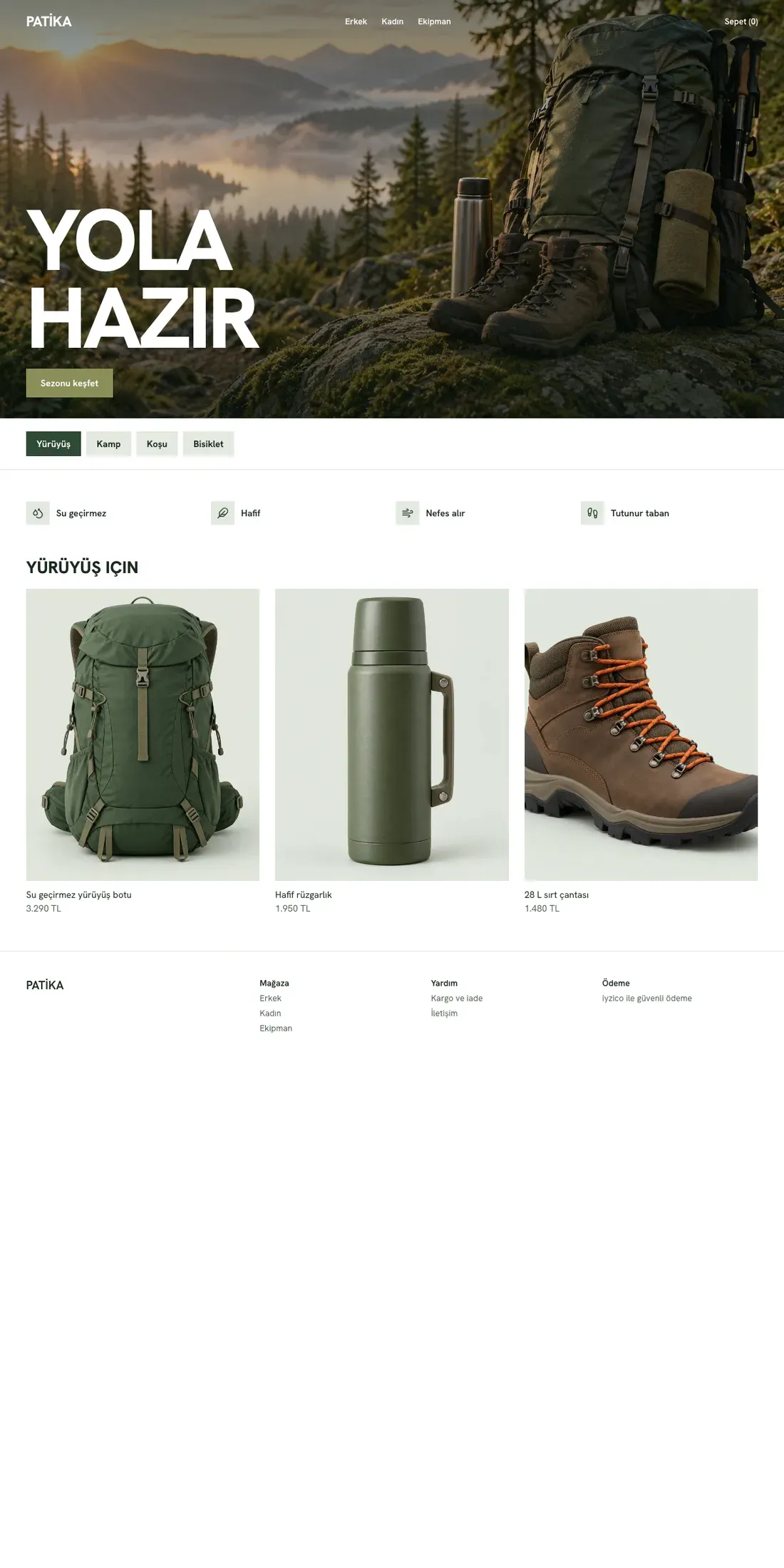
PatikaOutdoor and sports
Theme design shown with sample photos and content. The store name and products are samples; they are not a real store, product or price.
From storefront to order
Your customers can search for products in your store, build a cart and track their orders. Taking payments with iyzico requires an account connection.
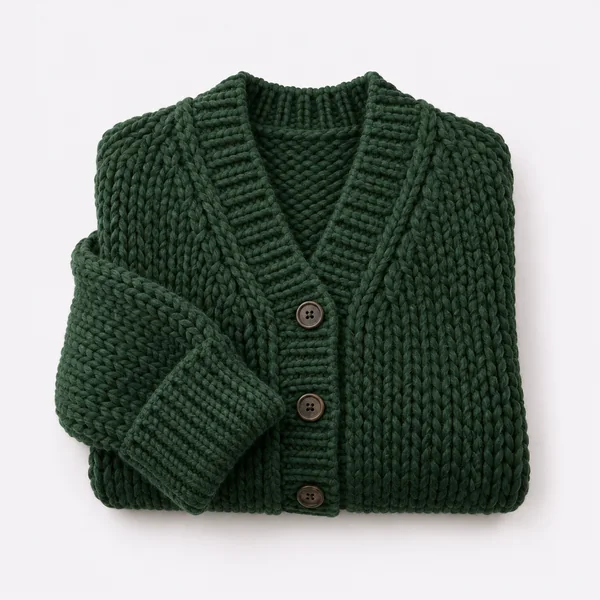
Product · variant · stock
Adjust the theme, colors and page sections to your store's identity.
Explore the themesORDER
Order record
Itemswith variants
Deliveryaddress
PreparePAYMENT
Payment status
Provideriyzico
Ordertracked separately
✓ VerifiedSHIPPING
Shipment tracking
Tracking codesaved
STOCK
Variant stock
Locationcounts, transfers
CUSTOMER
Customer record
Historyorders
Consentemail
CAMPAIGN
Campaign code
Campaign codeScopecart, product
Statusenabled separately
A shared workspace for orders, payments, shipping, stock, customers and campaigns. Select a heading to see how that area looks.
Discover the features Google Ads
 Google Analytics
 Search Console
 Meta
Meta Hepsiburada
 iyzico
 Trendyol
 Merchant Center
 Tag Manager
Connect your advertising, measurement and marketplace accounts with your own account details. Each connection is enabled separately for your store.
Explore the connectionsGetting started
You can start even without e-commerce experience. Share your business and preferences, and we will clarify the next step together.



Share what you sell, your current site and your contact details in a few short questions. Continue your registration with your own Google account.
Share your brand and domain name preferences. Follow the setup steps from the customer panel; choose your theme the first time you sign in to store management.
Complete your products and business details. Payment and setup steps follow separately once they open.
Purchasing is not open yetThemes
Explore the page layouts of nine starter themes. Choose your theme during setup, then change it later in your store admin.
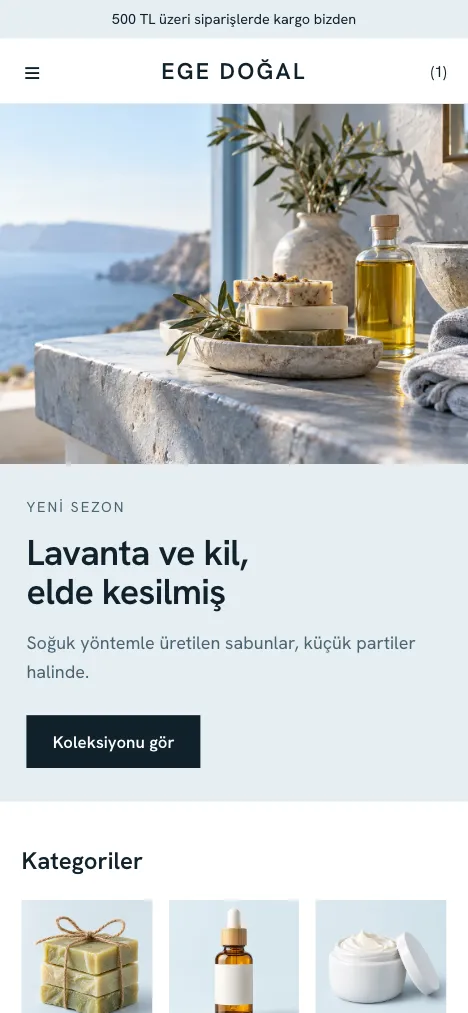
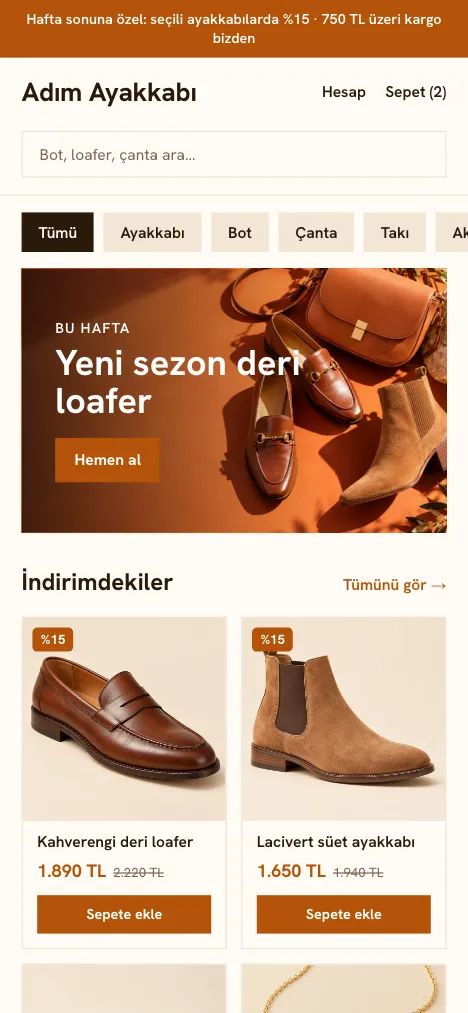

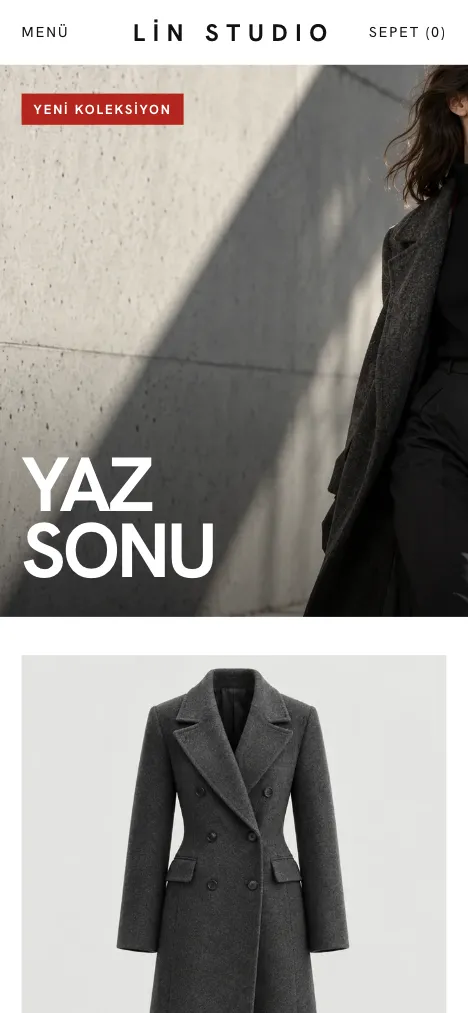
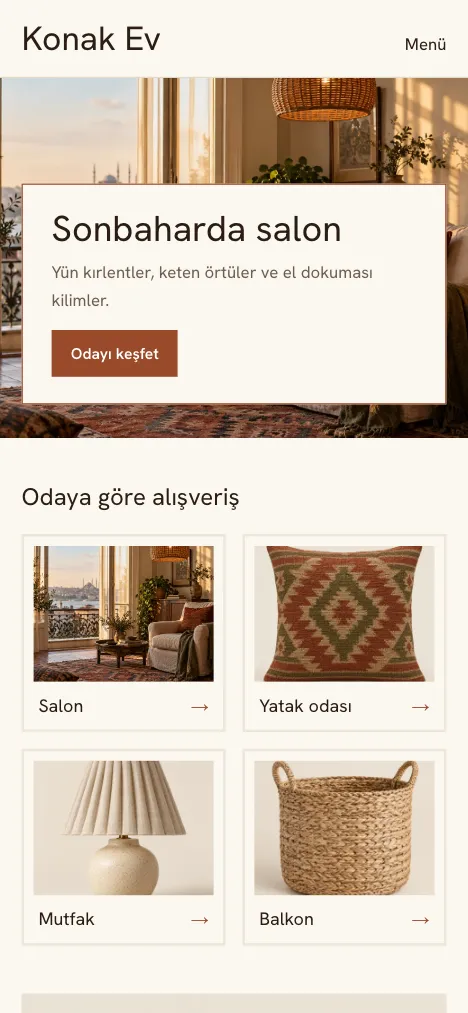
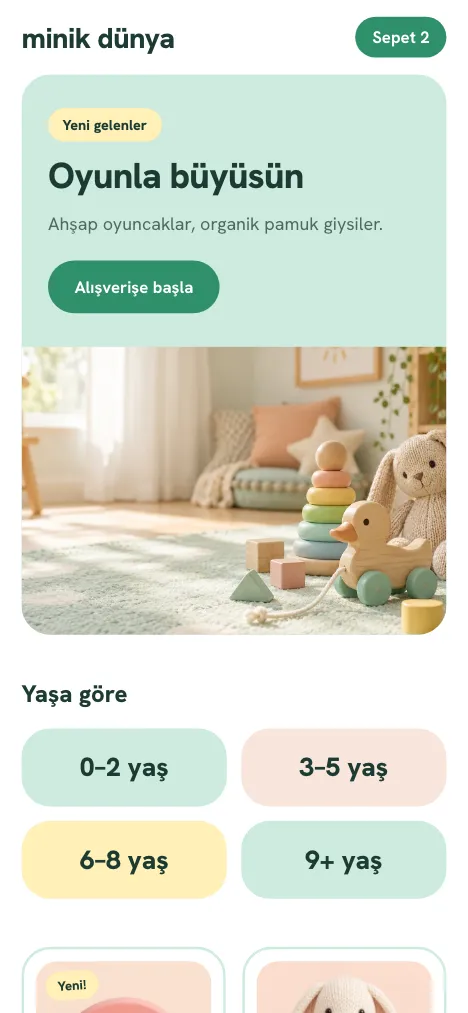
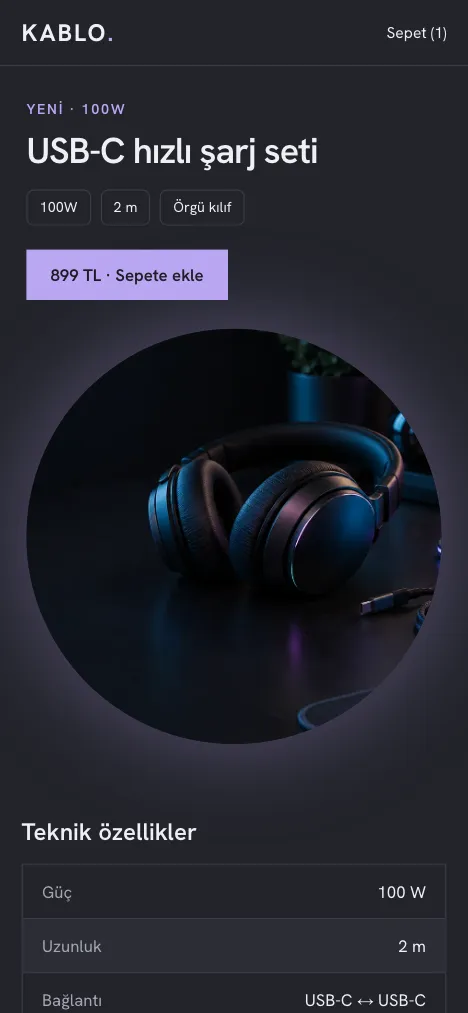


Theme design shown with sample photos and content. The store name and products are samples.
Theme
An airy storefront where your products stand out through large images and generous spacing.
Color
These are sample photos, not your store's content.




Let us complete the technical steps together. We define the right path for your store from the start.
Plan to use a store address or your own domain name. We review the DNS and connection steps together during setup.
Get support for your domain name, store settings and provider connections. We clarify the accounts and permissions you need together.
We review the products and URL structure of your current site. We define the transfer scope and 301 redirects in advance.
Store management tools
Explore the sales and daily management tools. Tools such as campaigns, marketplaces and advertising are enabled separately for your store; email sending opens once consent settings are complete.
One panel
From the moment an order arrives to the campaign that brings the customer back, every step connects in the same panel.
Order placed
Payment confirmed
Stock updated
Shipment created
Customer record updated
A campaign brings them back
Shipping operations depend on the connection and provider support. Screens are shown with sample data.
Connect your payment, shipping, marketplace, advertising and measurement accounts with your own account details. Each connection is enabled separately for your store; a connection does not mean every operation is supported.
Logos are trademarks of their respective owners and are used only to show the services you can connect.
Infrastructure
A separate environment for your store. We complete the domain name and service connections together during setup.
A separate workspace for your store.
A secure connection on your own address.
Card details are entered on the provider's page.
Sending requires an email connection and activation.
Pricing and scope
Choose a monthly or annual term. Registration is free; purchasing is not open yet.
To sell under your own brand and manage your daily work from one panel.
Monthly
TRY 3,999 / month + VAT
Annual upfront
TRY 35,988 + VAT / year
Monthly equivalent TRY 2,999 + VAT; it is not a monthly charge.
Plan your storeRegistration is free and does not start a payment or subscription.Prices exclude VAT. Domain names, ad budgets, payment provider transaction fees and other third-party fees are paid separately.
Let us work it out together
Contact us about store setup, data transfer or the plan scope.
Your questions
Esnaf Online lets you prepare a store of your own brand on the Orbit e-commerce platform. You can manage your products, stock and orders from one panel.
No. Registration is free and does not start a payment or subscription. Purchasing is not open yet. The plan, term and amount to pay are shown separately once purchasing opens.
Transferring product and customer data depends on a review of your current system. We clarify together which data can be transferred and the migration timeline.
You can share your domain name preference during store setup. Connecting your own domain name requires DNS and provider verification; recording a preference does not complete the connection by itself.
Prices exclude VAT. Domain names, ad budgets, payment provider transaction fees and other third-party fees are paid separately.
Registration, store setup and payment provider preparation are separate steps. Purchasing and automatic setup are not yet open to the public. Registering does not mean your store is ready to sell.